Clear All
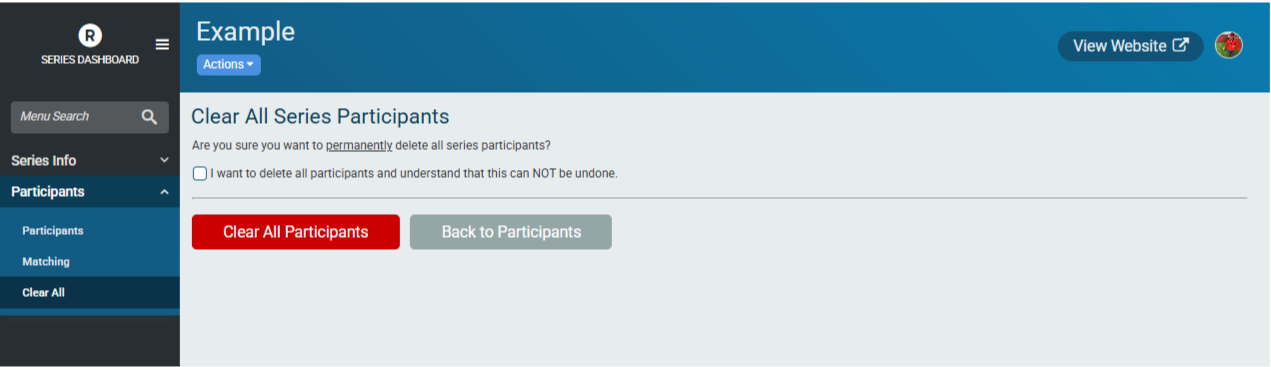
If results are being re-uploaded for all events (if there has been a change in scoring, for example), it is a good practice to clear all participants. To do so, go to Participants -> Clear All and acknowledge that you want to delete all participants permanently and click the Clear All Participants button. This cannot be undone. Any changes or merges to participants will be lost and will need to be performed again after results are re-uploaded.