Series Scoring: Age Group Setup
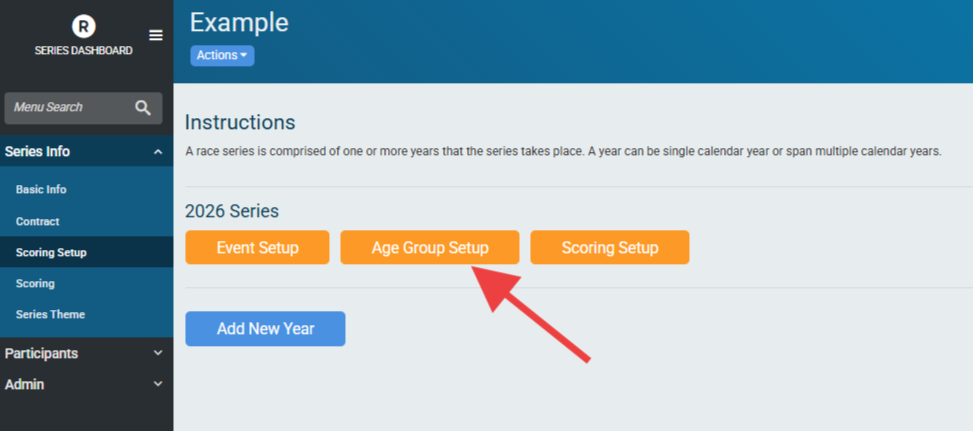
Age Groups are a common feature of race series. They can be set up under Series Info -> Scoring Setup -> Age Groups:
Age groups can be added manually with a Minimum (Min) and Maximum (Max) age in the Age Group. Age groups are set only by age range, they are automatically split out into Male and Female age groups for each range. At this time, Non-Binary Age Groups are not directly supported in Series Scoring.
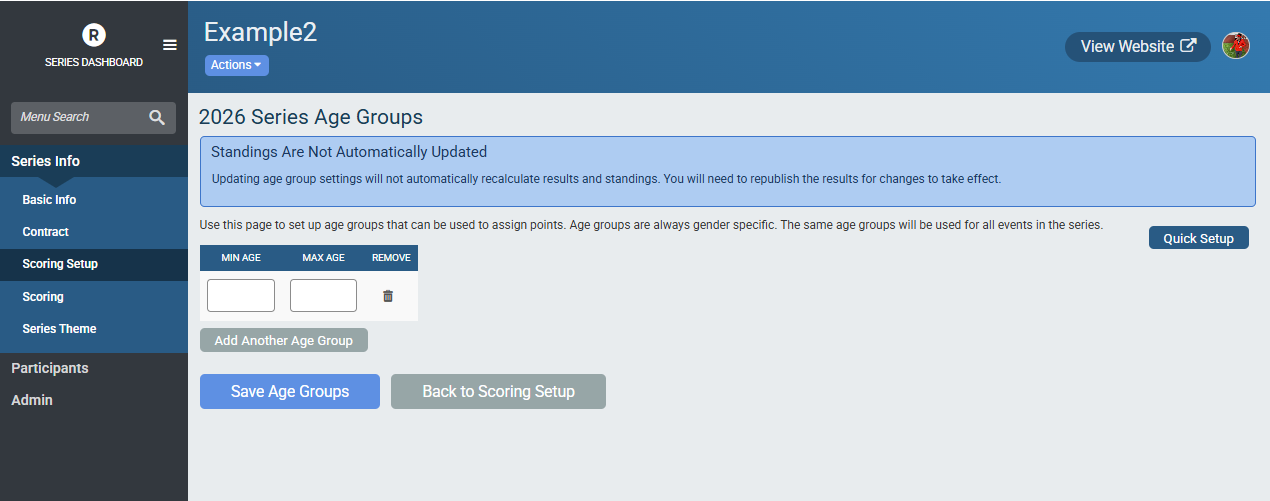
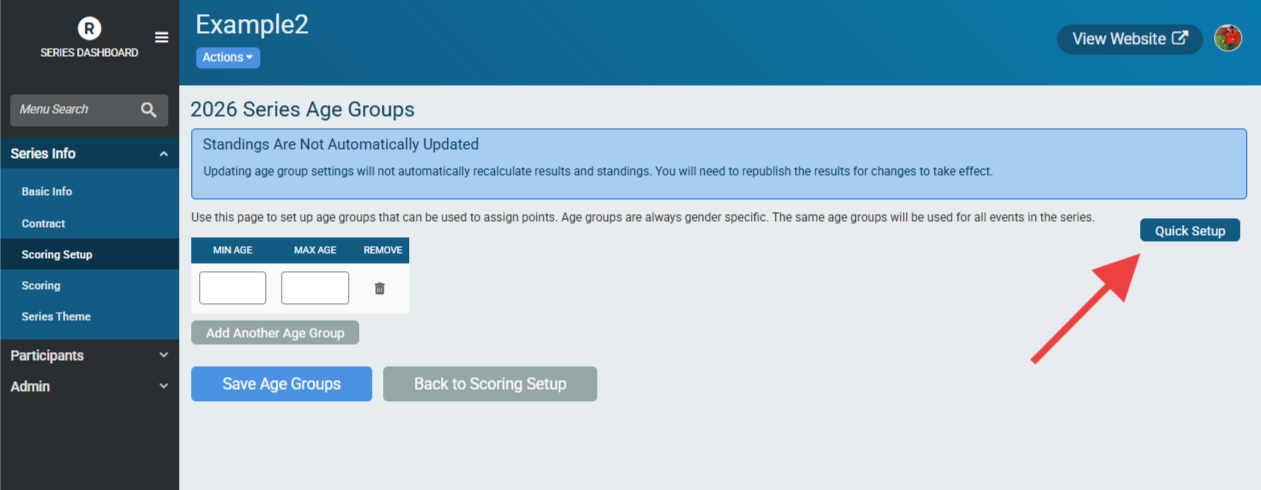
It is most efficient to set up age groups using the “Quick Setup” option:
This uses three fields:

Number of Ages Per Age Group - How many ages are included in a given age group. The starting age for an age group counts as the first of these ages.
Starting at Age - The starting age of the first age group created. Subsequent age groups begin after the Number of Ages Per Age Group is counts up from here.
Ending at Age - The highest age used for age groups. If the last age group would go beyond this number it is cut off at this number.
It is helpful to understand how these three items interact with each other. To use the example from the image:
The first age group will start at age 10 and include 5 ages per Age Group. The Starting at Age counts towards this total, so the first age group would include the ages 10, 11, 12, 13 and 14 (5 ages).
The next age group up begins at the next age up - in this case 15. Therefore the next age group is 15 to 19.
The final age group would begin at 100, however the Ending at Age is 101, so this age group would only be 100 to 101.
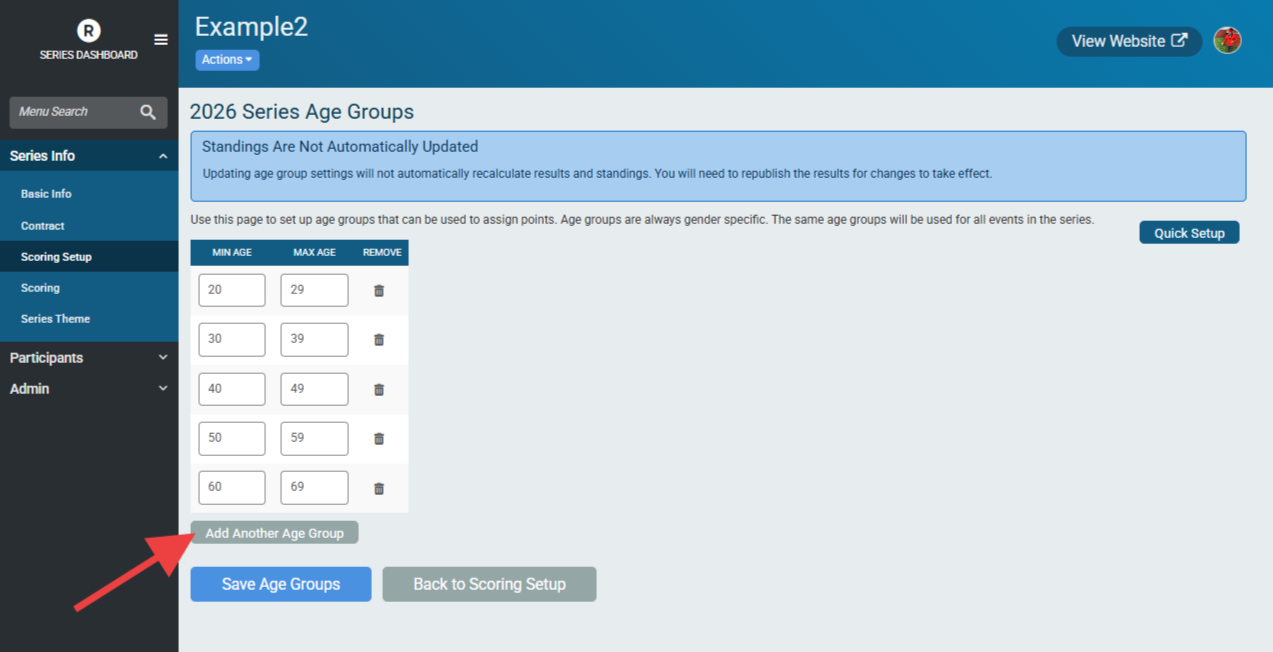
Additional age groups can be added manually by clicking “Add Another Age Group” and inputting the Min Age and Max Age for that age group. Once saved, age groups are sorted lowest-to-highest. Age groups cannot overlap - attempting to save overlapping age groups will result in an error message.
It is important to note that age groups in a Race Series are based on the Series Participant’s age group. For example, say Ron is 39 on the day of an event in May and wins the 35-39 year old age group, but the series has an Age Calculation Date [link to this] of 12/31 that would calculate Ron’s age as 40. Ron’s points would be assigned based on his placement in the 40-49 year old age group in the series if the Override [link to this] is selected.
For another example, let’s say Ron is placed 2nd in the 30-34 age group in an event but is showing a different placement in the Series age group. If the Series age group is set to 10-year increments (30-39, for Ron), his placement is based on placement in the Series age group and not the 30-34 age group of the event itself.
Updating or changing age groups requires that each event be re-scored within the race series.